Every photographer knows the gap. The wedding is over, the photos are culled, and then nothing happens. The client says they will choose “this weekend”. Three weekends later you have a few screenshots, a voice note from the groom’s sister and a list of numbers that match none of your files. The album, the editing and the rest of the job all wait on that one step.
The delay is rarely because the client is careless. It comes from how the selection is set up.
Why selection takes so long
Too many photos and no structure. A family that opens hundreds of photos in one folder does not know where to start, so they put it off.
Too many people and no single answer. The couple, both mothers and a favourite cousin all have opinions, and each one sends them separately.
No clear limit. “Choose the ones you like” sounds generous. In practice it keeps the client going back and forth, because nothing tells them when they are done.
Feedback in the wrong place. Screenshots and typed file numbers have to be matched back to the photos by hand, and every mismatch means another round of messages.
A selection process that keeps moving
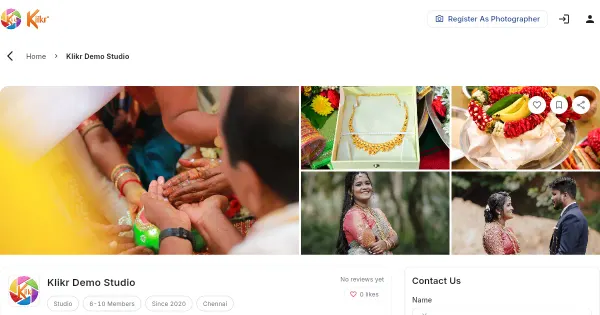
1. Group the photos by session. Show the haldi, the muhurtham and the reception separately. A client can finish one session in a sitting and come back for the next. On Klikr, every event is organised into sessions, and the client’s gallery follows the same order.
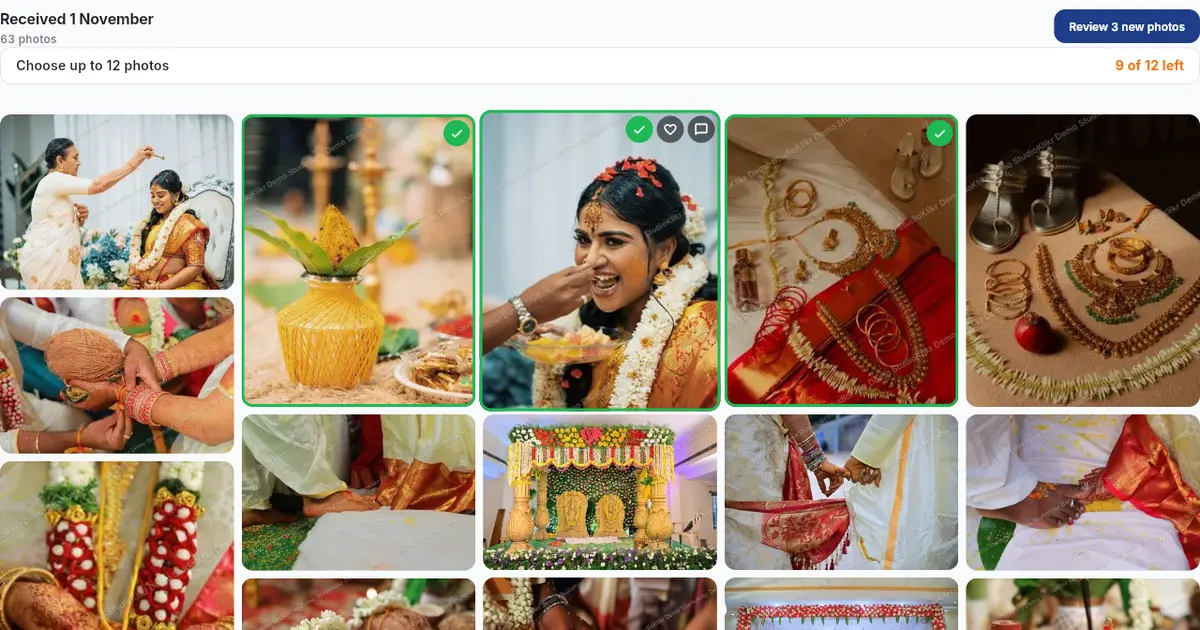
2. Set a selection limit. If the album has room for a fixed number of photos, say so in the gallery itself. Klikr lets you set how many photos the client can select and shows them how many they have chosen so far. A visible target turns an endless task into one with a finish line.
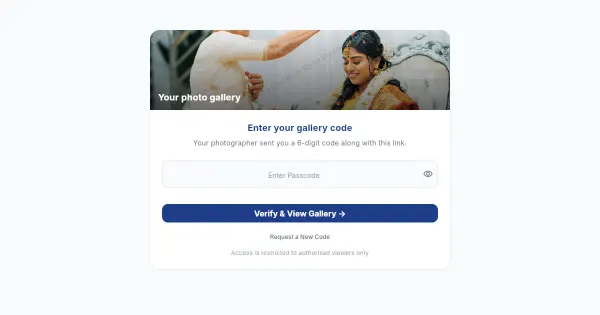
3. Invite the decision makers at the start. When you share the gallery, add the people whose opinion matters. Everyone looks at the same photos instead of forwarding screenshots to each other.
4. Let clients like first and choose second. Clients can mark the photos they like as they scroll, then narrow those down to their final selection. This is how people naturally look at photos, and it stops them losing a favourite halfway through.
5. Keep comments on the photo. If the bride wants a photo brightened or wants to know if a stranger can be removed from the background, she can leave a comment on that exact photo. You read the note next to the picture, not in a chat three days later.
6. Ask for one submit. When the client presses submit, their selection comes to you as one complete list. No more “final final” versions over WhatsApp.
7. Give the link an end date. A gallery link that closes on a set date gives the family a natural deadline. If they genuinely need more time, you can extend it.
What you get back
Once the client submits, you see their picks as photos, with their comments alongside. From there you can copy all the file names in one go and paste them into your editing software, download the list as a text file, or download the selected photos as a ZIP file. Nobody types file numbers by hand, and nothing gets lost between the chat and the editing desk.
If the family wants to add photos after seeing the first edits, you can open another round for the extra photos instead of starting the whole selection again.
A simple rhythm to aim for
- Soon after the event: cull, upload and share the selection gallery while the wedding is still fresh for the family.
- When you share: send one clear message from your own WhatsApp or email saying how many photos to choose and by when.
- A few days before the link closes: send a short, friendly reminder.
- When the selection arrives: start editing straight away, while the client is still excited about the photos.
Small things that make a big difference
- Cull hard before you share. Remove the duplicates and near-identical frames yourself. A smaller, better set is easier to choose from.
- Put the strongest session first. If the family starts with the photos they love most, they are more likely to keep going.
- Explain the limit. Tell the couple why there is a number: it is the size of their album, not a rule you made up to save time.
- Thank them when they submit. A quick message to say editing has started tells the family their effort was worth it.
None of this needs a bigger team or a new studio. It needs the selection to happen in one place, with a limit, an end date and the comments attached to the photos.