Most wedding photographers in India still share photos the same way: upload a folder to Google Drive or send a WeTransfer link, then paste it into WhatsApp. It works until it doesn’t. The link expires before the client’s parents have seen it. The folder gets forwarded around the family. The bride asks for “the one where amma is laughing”, and nobody can find it among hundreds of files with names like DSC_4512.jpg.
What goes wrong with a shared folder
A drive folder is built to store files. It was never meant to show them to a client.
- Anyone with the link can open it. Once it is forwarded, you cannot tell who is looking at your work. The only way to take it back is to break the link for everyone.
- It shows files, not moments. Reception, muhurtham and candid shots sit in one long list, and your client scrolls past your best work looking for their own photos.
- Downloads are all or nothing. Clients download unedited proofs and post them, so your work is out before you have finished editing it.
- Feedback arrives everywhere. Screenshots on WhatsApp, voice notes, file names typed out by hand. You lose an evening matching them back to the right photos.
None of this is the client’s fault. A folder is simply the wrong tool for the job.
What a client gallery should do instead
When you hand photos to a client, you want four things:
- A private link that opens only for the people you choose.
- Photos arranged by session, in the order the day actually happened.
- Control over downloads, so proofs stay proofs until you say otherwise.
- One place for the client’s choices and comments, attached to the photos themselves.
How it works on Klikr
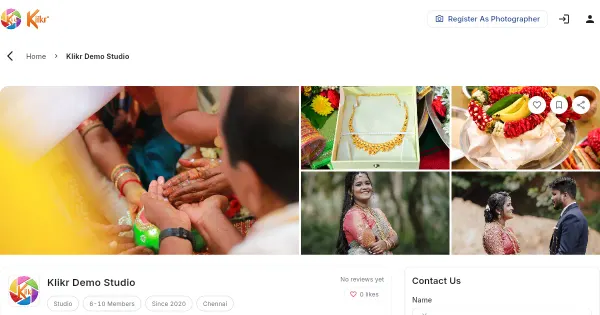
Klikr gives every event its own gallery. This is how a photographer uses it today.
Create the event and its sessions. Add the event, then the sessions you shot: engagement, haldi, muhurtham, reception, candid. Photos are grouped under each session, so your client sees the wedding in order instead of one long folder.
Upload from your computer. Upload straight from the browser on your laptop or desktop. Uploads are resumable, so a dropped connection does not mean starting again. The gallery also shows which photos are still being processed, so you know when everything is ready to share.
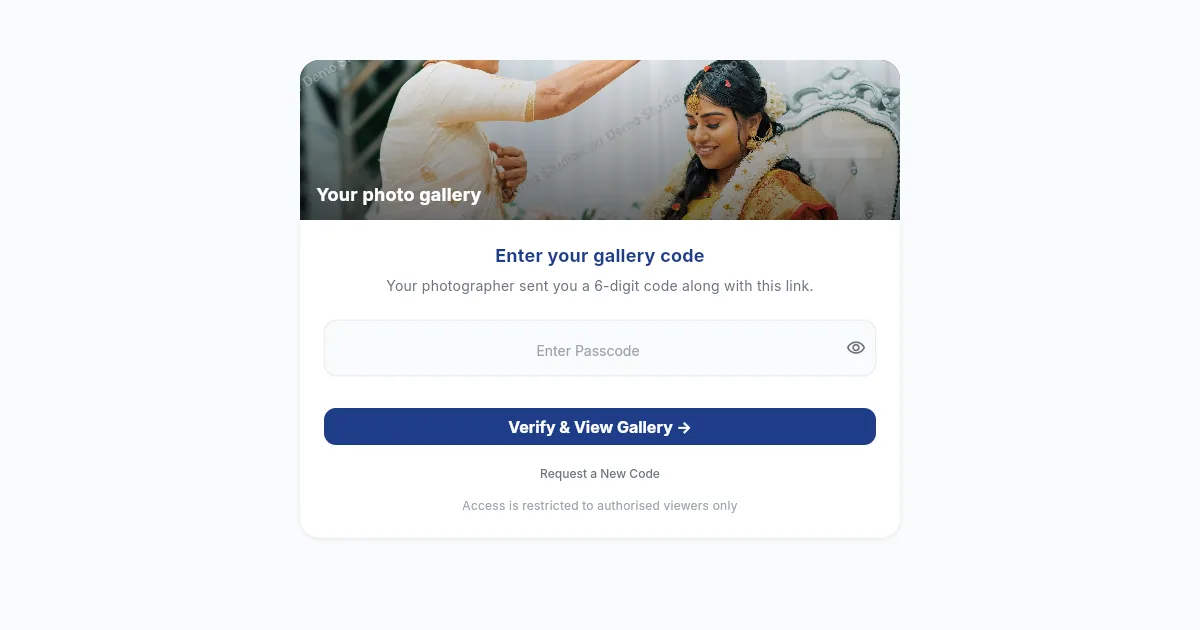
Share with a passcode. When the photos are ready, share the gallery with your client using their email address or phone number. The gallery opens with a passcode, so a forwarded link on its own is not enough to see the photos. You choose how many days the link stays open, and you can extend it if the family needs more time.
Add the family. Most weddings have more than one decision maker. When you share, add the extra people who should see the gallery, instead of letting the link travel on its own.
Keep proofs as proofs. Proofing photos carry your studio name as a watermark, and saving with a right-click is switched off in the browser. When you send the final photos, you decide whether downloads are on or off for that gallery.
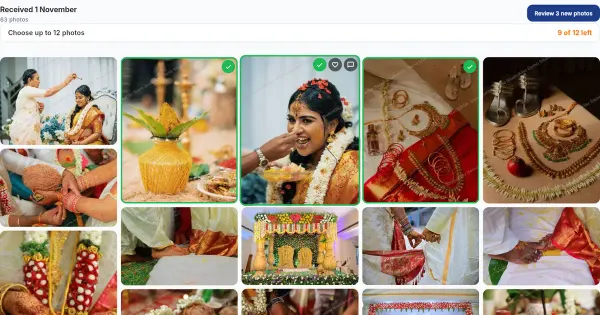
Let the client choose inside the gallery. Your client can like photos, select their favourites and leave a comment on any photo. When they submit, you see exactly which photos they picked, with their notes beside them.
Deliver the finals in the same place. After editing, upload the finished photos to the same event. Klikr matches each edited file to the photo your client chose by its file name. You can preview the delivery before you send it, and your client opens the final gallery with its own passcode.
A few habits that help
- Name sessions the way your clients talk. “Muhurtham” means more to a family than “Day 2 morning”.
- Share soon after the event. Families are most excited right after the wedding, and that is when they reply fastest.
- Tell the client what happens next. One line is enough: “Pick your favourites and press submit, and I will start editing those.”
- Send the link yourself. A personal message from you, on your own WhatsApp or by email, gets opened faster than a link from an unknown sender.
- Give the gallery an end date. A link that stays open forever invites “we’ll look at it later”. A clear end date gives the family a reason to sit down and look.
The short version
Google Drive and WeTransfer move files from one place to another. A client gallery shows your work the way you want it seen, keeps it private, and brings the client’s choices back to you in one place. If you are tired of chasing links and screenshots after every wedding, try a gallery that is built for the job.